Seeing “Device Forbidden,” “Devices Forbidden,” on a SuperBox can be alarming, especially when the box previously worked normally. The message may look like an ordinary software or internet error, but repeatedly restarting apps, clearing data or performing a factory reset is unlikely to resolve a seller- or server-level restriction.
The safest response is to record the exact message, identify where the device was purchased, collect the correct order and device information, and contact the original seller. The seller can verify the transaction and submit the case through the appropriate support channel.
Quick answer: A SuperBox Device Forbidden message generally means the device requires authorization or ownership review. Take a clear photo of the error and the home screen, collect the order number, model, MAC shown on the TV screen, and MAC printed on the box or device label, then contact the seller that supplied the unit. Do not factory reset, install unofficial APK files, pay a third party for an “unlock,” or repeatedly change system settings unless verified support instructs you to do so.
If the SuperBox was purchased from SuperBox TV Box Store, submit the information through our Contact page. We can review only orders placed through superboxtvboxstore.com; products purchased elsewhere must first be handled by their original seller.
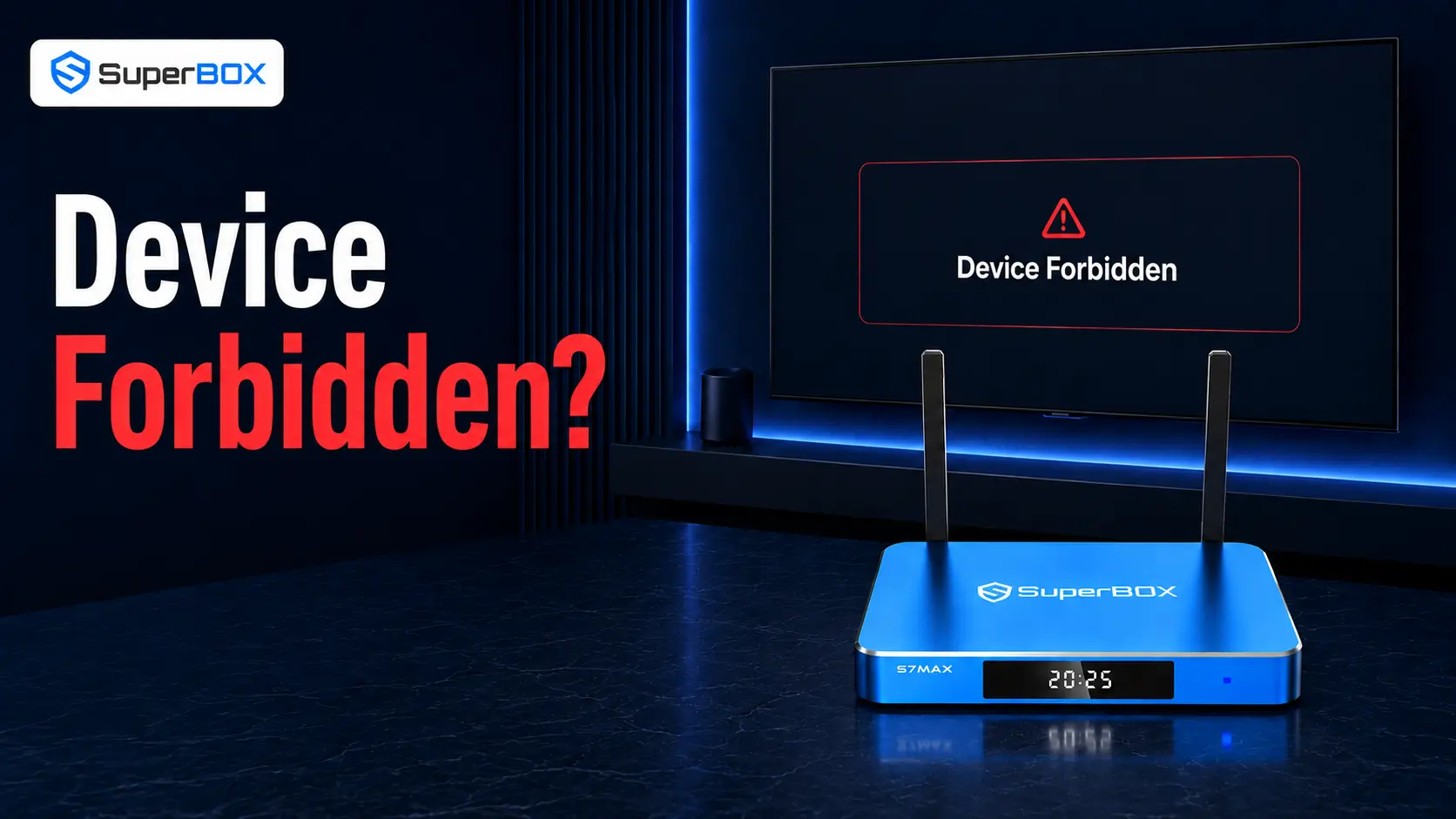
The wording indicates that the device or its associated service authorization has not been accepted.
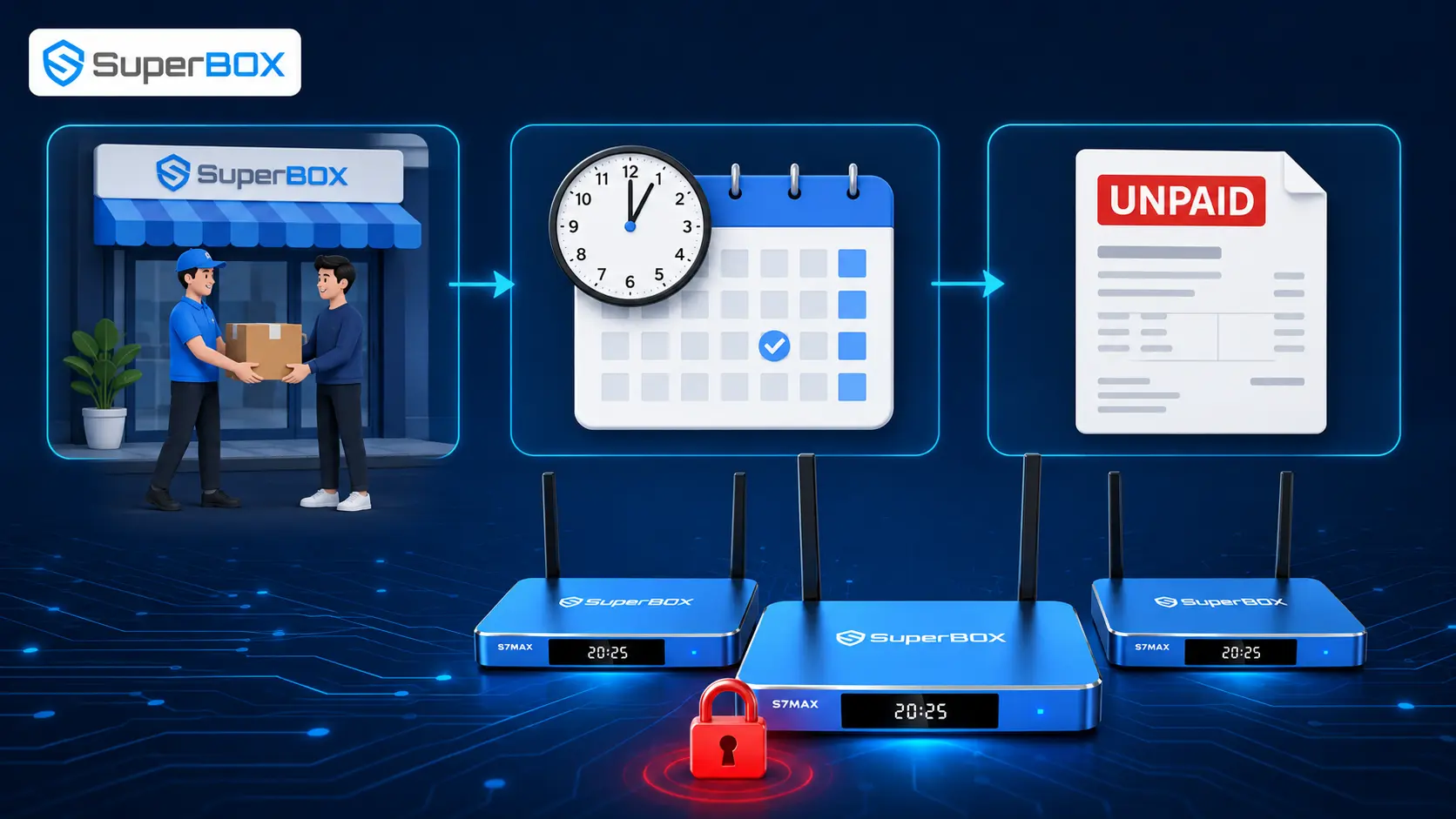
In many reported cases, the issue is linked to the sales or ownership record associated with the unit rather than a physical failure inside the box. The customer may have done nothing wrong. For example, a unit can become affected by an unresolved issue involving the reseller, disputed or incomplete payment, sample or partner inventory, a refunded device that was not returned, or another transaction requiring review.
Because the original seller holds the purchase record and knows how the unit entered the distribution chain, that seller is normally the correct first contact. A legitimate seller should be able to check the order, verify the MAC information and escalate the case when appropriate.
The message does not automatically mean the SuperBox is counterfeit, and it does not prove that the customer violated a policy. It means support needs enough evidence to identify the unit and determine why authorization was refused.
Before contacting support, read the exact wording on the television. Similar-looking problems require different solutions.
| What appears on screen | What it usually points to | Correct first action |
|---|---|---|
| Device Forbidden / Devices Forbidden / Device Prohibited | Device authorization or ownership record needs review | Photograph the message and contact the original seller with order and MAC details |
| Devices Abnormal | Activation, app-version or device-information mismatch may need diagnosis | Record the exact message and send the screen-displayed MAC to verified support |
| App Store missing | App or system component is absent, often after a reset | Use the current official recovery procedure; do not download random APK files |
| “No Internet,” network error or apps will not load | Router, Wi-Fi, Ethernet or service connection problem | Test the network before treating it as a device restriction |
| TV says “No Signal” | HDMI input, cable, power or display-handshake issue | Check power, HDMI connection and selected TV input |
| One channel or title is unavailable | Source-specific availability or app issue | Test other content and report the affected item separately |
Do not shorten every error to “the box is locked.” The precise message, when it appears and whether the Android home screen still loads are useful diagnostic evidence.
Support must review each unit individually. The following are possible categories—not a diagnosis of any specific customer’s device.
An official SuperBox explainer identifies seller pricing or distribution-policy violations as one possible reason a group of units may be restricted. When the underlying issue is connected to a reseller, the end customer generally cannot correct it through settings on the box.
A device may require review when inventory has not been fully settled within the distribution chain or when the payment status is disputed. The retail customer should contact the party that accepted the payment rather than trying to negotiate with an unknown third party.
Some devices are distributed under sample, influencer, affiliate or wholesale arrangements. If the related agreement is not completed, units attached to it may be reviewed or restricted. A later buyer may not know that history, which is why proof of purchase is important.
A seller may request review of a device associated with a refunded order, chargeback, shipment reported lost or another ownership dispute. Second-hand buyers are especially vulnerable because they may receive hardware without the original order record.
The MAC printed on a label can occasionally differ from the MAC displayed by the software. This does not by itself explain a forbidden message, but sending only the wrong identifier can delay the investigation. Provide photos of both values rather than deciding which one support “should” use.
Some customers describe any failed app, network problem or blank screen as “forbidden.” A photo of the complete television screen prevents support from following the wrong path.
Prepare one complete message instead of sending the details across many short conversations.
Do not post the full MAC address, serial number, order number, email or shipping address in a public comment or social-media thread. Send them privately to the verified seller or support team.
Prepare one complete message instead of sending the details across many short conversations.
Do not post the full MAC address, serial number, order number, email or shipping address in a public comment or social-media thread. Send them privately to the verified seller or support team.
If the SuperBox home screen is available, photograph the MAC information shown on the television -often near a lower corner of the home screen. Then photograph the label on the device or packaging.
Take a clear photo showing the complete television screen. Include any code, MAC, QR code or instruction visible with the warning. Record whether the message appears immediately after startup, only when opening a specific app or after the box has been running for a while.
If possible, press Home or Back once. Do not repeatedly force-close applications. Note whether Android settings and other ordinary functions remain accessible. This helps distinguish a device-wide restriction from a problem limited to one application.
A factory reset removes locally stored settings, network information and installed applications. It does not independently settle a seller record or reverse a server-side restriction. It can also remove evidence, create a missing App Store problem and add extra work after authorization is restored.
Only perform a factory reset if verified support explicitly recommends it for your exact case—typically after the device record has already been reviewed.
Check the confirmation email, card or PayPal statement, shipping label and order receipt. Similar store names are not interchangeable. A retailer can normally verify and escalate only devices from its own orders.
If your receipt says superboxtvboxstore.com, contact SuperBox TV Box Store. If it shows Amazon, eBay, another website, a local dealer or a private individual, begin with that seller or marketplace.
Gather the complete checklist above. For the MAC, prioritize a clear photograph rather than manually typing a long identifier. A single wrong digit or letter can cause the wrong device record to be checked.
Use the contact information on the original order website—not a phone number supplied by an unknown person in a comment section. Explain that the television displays Device Forbidden and attach the evidence.
For purchases from our store, use the SuperBox TV Box Store Contact page. Choose the appropriate order or technical-support channel and include the order ID in the first message.
The required time depends on whether the order can be found, whether the identifiers match and whether additional verification is needed. Do not promise or expect an exact unlock time before the case is reviewed.
If support asks for another image, send a new clear photograph rather than a cropped screenshot from an earlier message. Keep the device connected to normal power and internet unless the team instructs otherwise.
When the seller or technical team says the device record has been updated, restart the SuperBox and test again. Open the same screen or application that previously displayed the warning.
If the message remains, report that result to the same case thread. Include the time of the test and a new photo. Do not open multiple tickets for the same device, because split conversations make the history harder to follow.
Anyone requesting payment, remote access, gift cards, cryptocurrency or account passwords through an unofficial channel should be treated with caution. The original seller and verified support team are the appropriate contacts.
An unofficial installer cannot resolve an ownership or seller record and may expose the device to malware or damage the software. If an app or firmware recovery is genuinely required, use only the current instructions supplied by verified support.
Resetting can remove applications and settings without changing the restriction. It may also make it harder to capture the original screen state.
MAC addresses, serial numbers, invoices and order details should be shared privately. Publicly posting them does not speed up verification.
Retailers do not share a universal order database. Contacting a different store because its name includes “SuperBox” will not create proof that it sold the unit.
Contact that retailer using the details on your order confirmation. Provide the same order and MAC evidence. Authorization does not transfer support responsibility for the transaction to every other retailer.
Contact the marketplace seller first and preserve the listing, receipt and messages. If the seller cannot resolve the issue, review the platform’s return, refund or buyer-protection process before the deadline expires.
Ask for the original receipt and authorized-seller information. If the person cannot provide any purchase history, the manufacturer or a retailer may be unable to verify ownership or promise reactivation.
Second-hand hardware can carry a sales history the new buyer cannot see, including a prior refund, dispute or lost-device report. Contact the person who sold it and request the original proof of purchase. Do not assume that paying for the used box automatically creates a new valid authorization record.
SuperBox TV Box Store can review orders placed directly through superboxtvboxstore.com. We use the order ID and checkout details to confirm the purchase, compare the submitted MAC information and coordinate the next technical step when required.
If we cannot find the order, we may ask for a different email address, purchaser name or evidence showing where the device was bought. This is not intended to delay assistance; it prevents the wrong retailer from making decisions about a transaction it did not process.
For devices purchased elsewhere, we will direct the customer back to the original seller. That seller is responsible for its own orders, returns and post-sale support.
Use the official SuperBox authorization lookup and confirm that the certificate or authorization code matches the store domain. SuperBox TV Box Store’s authorization code is SP20250414002.
A large discount is not proof of wrongdoing, but a price far below established retailers—especially when paired with no invoice, no return address and no support contact—deserves additional verification.
Save the confirmation email, order number, invoice, seller URL and payment receipt. Photograph the device label when the box arrives. These records are valuable if the device is a gift or changes owners later.
Read who pays return shipping, how defects are handled, how long the return window lasts and whether the seller provides technical support. Do this before the marketplace protection period expires.
Request the original receipt, MAC photo and confirmation that the unit is working. Test it before any return protection ends.
A restart may refresh the screen after support updates the device record, but restarting alone does not resolve a seller- or server-level restriction.
Normally, no. A factory reset clears local data but does not independently change an authorization record. Reset only when verified support specifically instructs you to do so.
No. Device Forbidden or Device Prohibited generally points to an authorization review. Devices Abnormal can involve different activation, app-version or device-information issues. Send a photo of the exact wording.
Send the MAC displayed on the television home screen and the MAC/serial label on the hardware or box. If they differ, state that clearly and attach both photographs.
Depending on the model and software version, a MAC may appear near a lower corner of the home screen or inside the network/about settings. A second identifier is normally printed on the device or packaging label.
There is no responsible universal promise. Timing depends on locating the order, verifying the seller and device identifiers, and determining the reason for the restriction. Ask the seller for an update within the same case thread.
No. Start with the retailer that sold the unit because it holds the transaction record. SuperBox TV Box Store reviews orders placed through superboxtvboxstore.com.
Ask the giver for the order ID, checkout email and seller name. The purchaser can also contact the seller directly and authorize the discussion when necessary.
Preserve all purchase evidence, contact the marketplace or payment provider within its applicable protection period, and use verified SuperBox support channels for guidance. Reactivation cannot be guaranteed without a valid sales record.
Not necessarily. The message means the device needs authorization review. Seller records, transaction status or inventory history can also be involved.
You may disable unusual network configurations when diagnosing an ordinary connection problem, but do not present DNS changes as a guaranteed Device Forbidden fix. If the exact warning persists on a normal connection, collect the order and MAC information and contact the seller.
Do not install unofficial software to bypass an authorization restriction. It may create security or firmware problems and will not establish a valid purchase record.
The safest SuperBox Device Forbidden fix is not a sequence of secret codes or repeated resets. It is a clean verification process:
If your order was placed through SuperBox TV Box Store, contact our team with the complete evidence package. We will verify the order and advise the appropriate next action. If it was purchased from another seller, contact that seller first so the case can be reviewed against the correct transaction record.


